 Surveys
Surveys: Training Surveys and Feedback
Hear from participants at every stage
Run surveys within courses, during live lessons or across your organization. Gather feedback from participants, students and parents, then use the results to improve your training.

 In-course
surveys
In-course
surveys Live
surveys
Live
surveys AI-powered
surveys
AI-powered
surveys Parent
surveys
Parent
surveys Results
reports
Results
reports
From questions to insights in one workflow
Create a survey or draft one with AI. Add it to training, a live lesson or an announcement. Collect responses and evaluate results in reports.

- 1Create the Survey
- 2Add It to Training
- 3Collect Responses
- 4Review Results
- 5Improve Training
What can you do with Surveys?
Vedubox Surveys help you gather participant feedback at every stage of the training process.

In-Course Surveys
Add surveys to courses to gather participant feedback.

Live Surveys
Run instant surveys during live lessons and webinars.

AI Survey Drafting
Use AI to draft evaluation and satisfaction surveys.

Parent Surveys
Offer surveys to parents in school programs.

Alongside Announcements
Gather user feedback with surveys after announcements.

Instructor Surveys
Authorized instructors can create their own surveys.

Satisfaction Measurement
Run satisfaction and evaluation surveys at the end of training.

Results Reports
Evaluate survey results through reports.
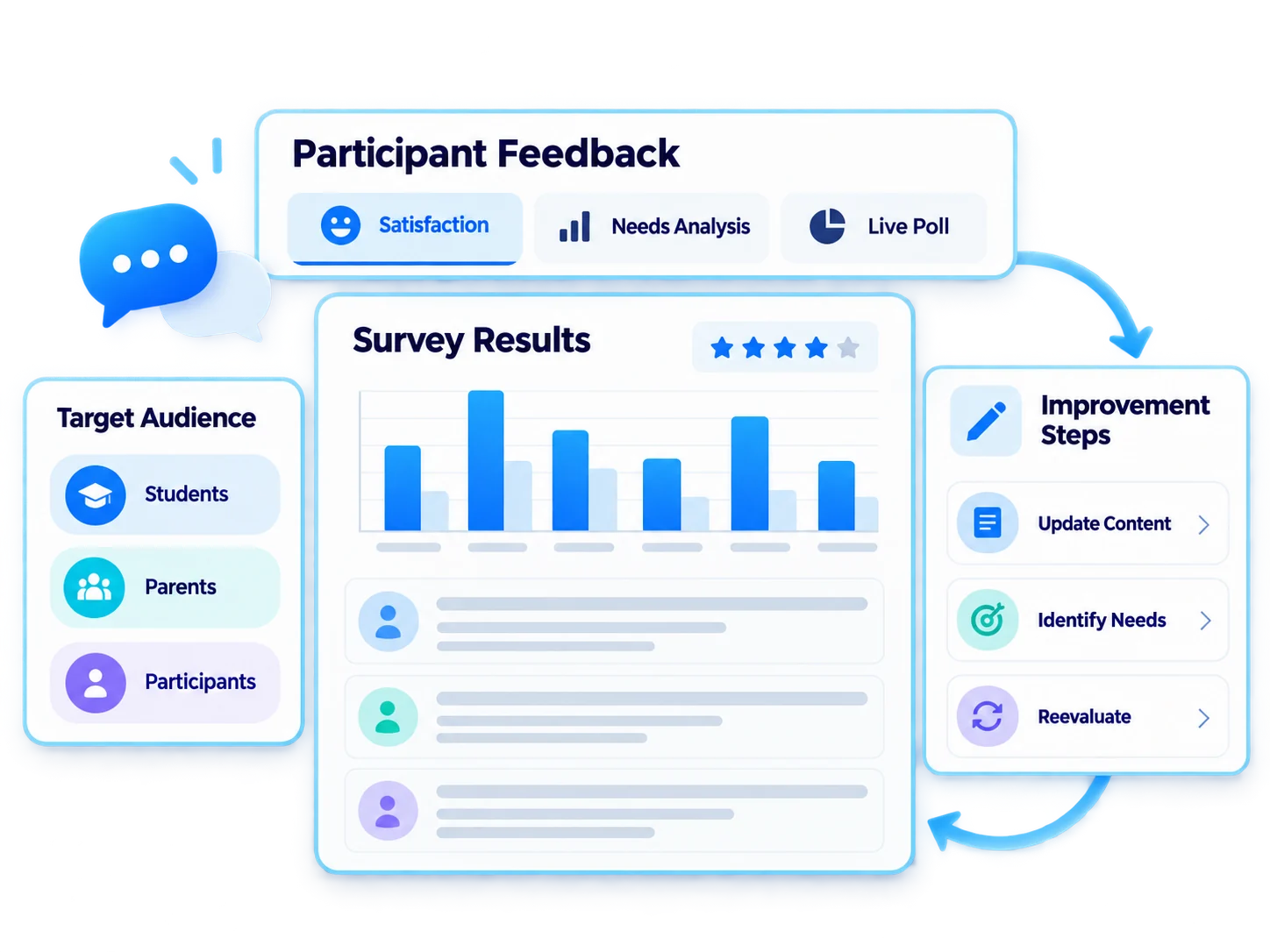
A continuous improvement cycle powered by feedback
Surveys bring participant feedback into training design, showing what works and what needs improvement.
- Run end-of-training satisfaction surveys
- Collect instant feedback during live lessons
- Analyze training needs
- Gather feedback from parents and students
- Evaluate results through reports
For every audience, direct feedback

Employees
Training satisfaction and needs analysis

Customers
Customer training satisfaction

Sales Teams
Sales training evaluations

Dealers / Partners
Dealer satisfaction surveys

Universities
Course evaluations and parent surveys

Training Companies
Participant feedback surveys
A quick check-in after every course
Add a short satisfaction survey to the end of each course. Collect responses in reports, identify low-rated topics and update content for the next training cycle.

Ecosystem
Surveys work with the other components of the Vedubox ecosystem.
Surveys
Collect feedback

AI Quizzes & Surveys
Create surveys with AI

LMS / LXP
Publish and manage training

Live Training
Organize live lessons

Online Events
Manage your events
Announcements
Keep everyone informed

Messaging and Notifications
Stay in touch with users

Learning Paths
Build learning journeys

Reporting
Report results
WhySurveys?

Instant Feedback
Collect opinions as soon as training ends.
At Every Stage
Run surveys before, during and after training.

Every Voice Matters
Gather feedback from participants, students and parents.
Data-Driven Improvement
Use reported results to inform decisions.

One Platform
Surveys, training, live lessons and reporting in one ecosystem.

Built for Enterprise Scale
Manage all organizational surveys on one platform.
Listen to your participants and improve your training
Gather feedback at every stage of training and evaluate the results.