 AI Course Generator
AI Course Generator: Create a Course Draft with AI
Enter a topic and get your first course draft
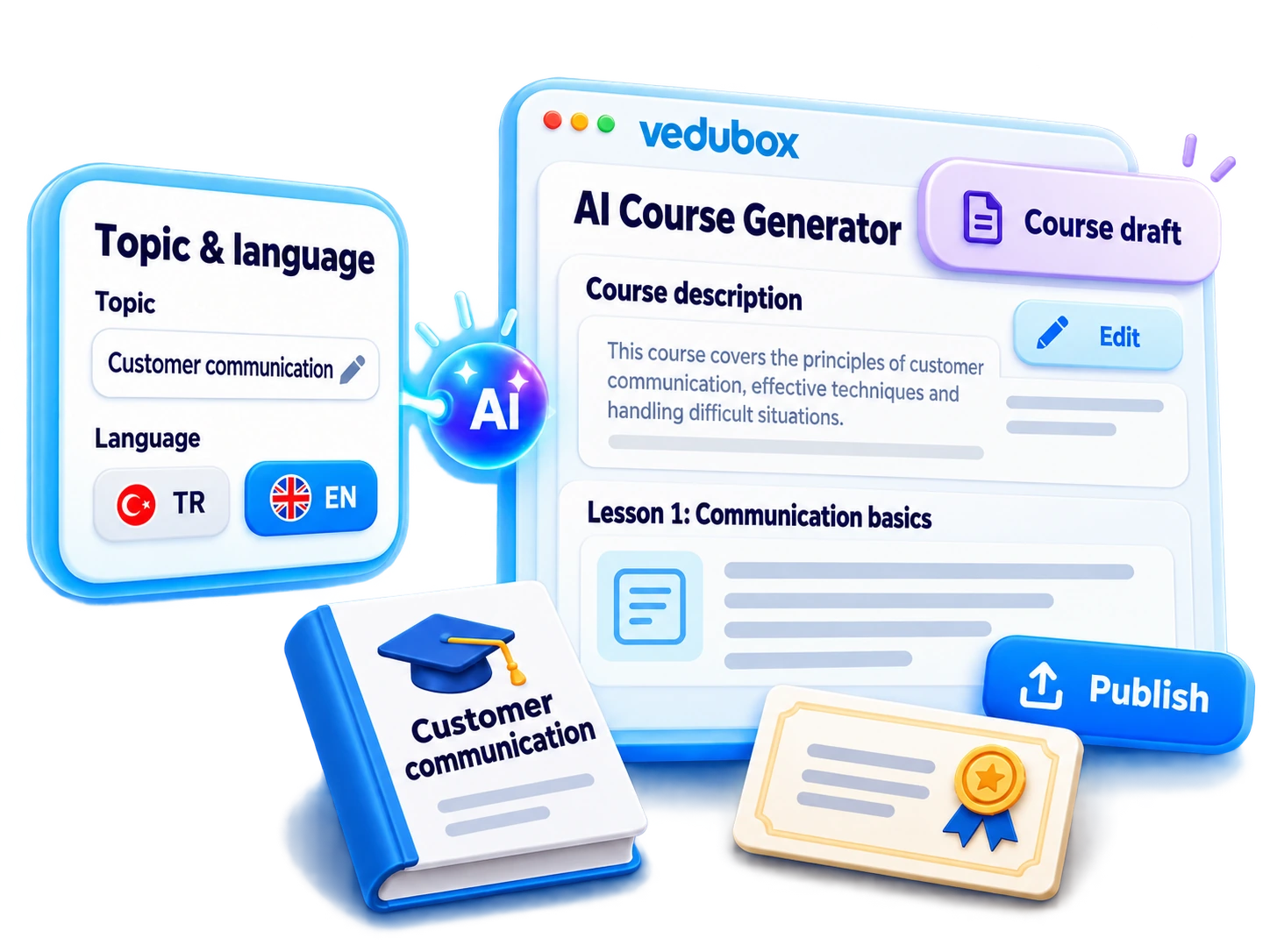
Choose your course topic and language, and let Vedubox AI prepare a course description and the first text lesson. Refine the draft with your expertise, add your resources and publish your course on one platform.
 From topic
to draft
From topic
to draft Language
selection
Language
selection AI text
generation
AI text
generation Editor
editing
Editor
editing Content
enrichment
Content
enrichment
From idea to course draft, step by step
When adding a new course, enable the AI generation option. Enter a topic and language to create a description and the first text lesson. Review the draft in the editor, then add documents, videos, SCORM content and tests to complete your course.
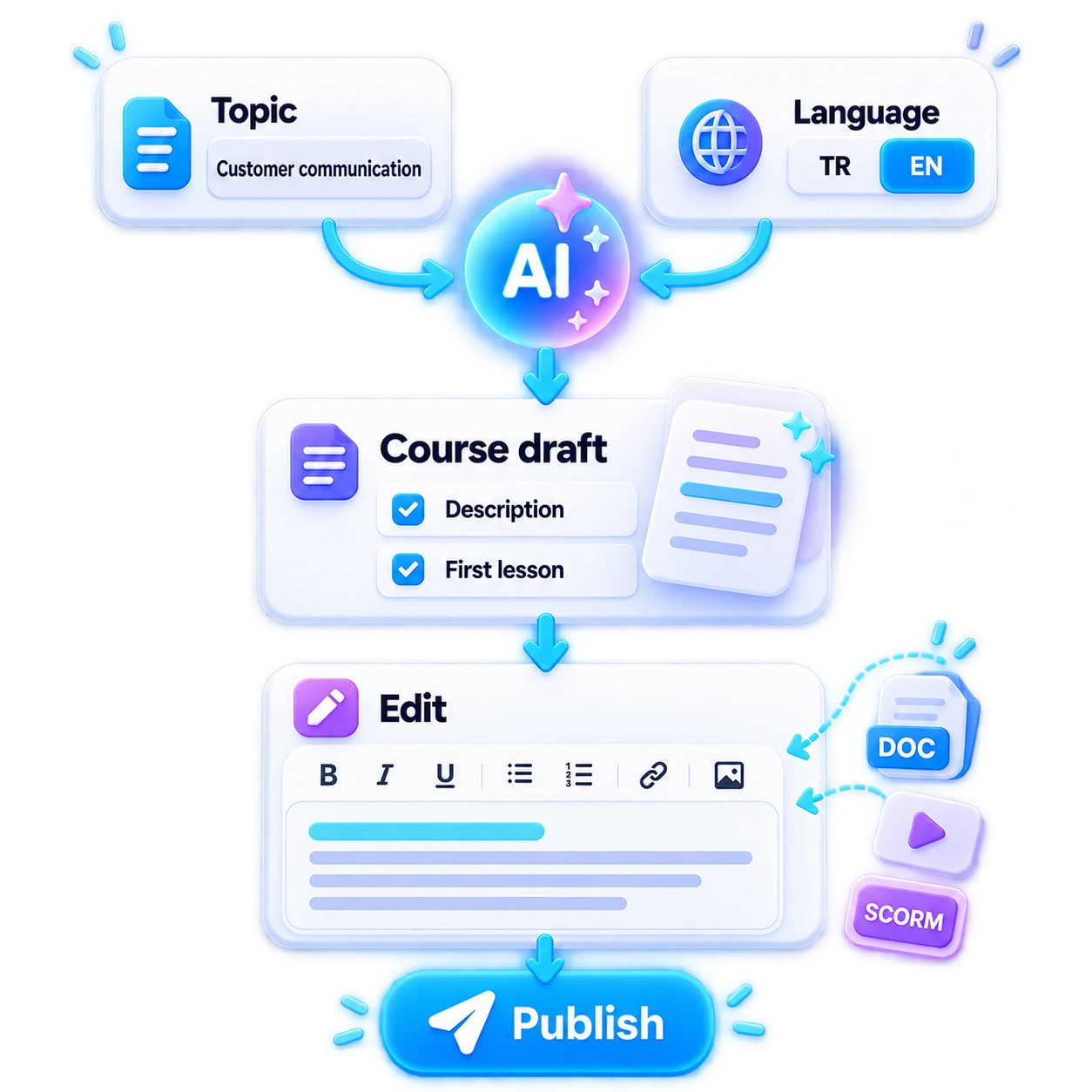
- 1Choose a Topic
- 2Select the Course Language
- 3Generate a Draft with AI
- 4Refine It in the Editor
- 5Add Content and Publish
What can you do with AI Course Generator?
Build your course from the first sentence onwards. AI speeds up preparation while you stay in control of the final edits and publishing.

From topic to course draft
Enter the topic you want to teach to get a starting point for your course description and first text lesson.

Content in your chosen language
Choose the right language for your audience and prepare the first draft in that language.

Course description
Use AI to draft a description of your course topic, then adapt it to your needs.

Your first text lesson
Develop your course by refining an initial lesson draft instead of starting with a blank page.

New content from a prompt
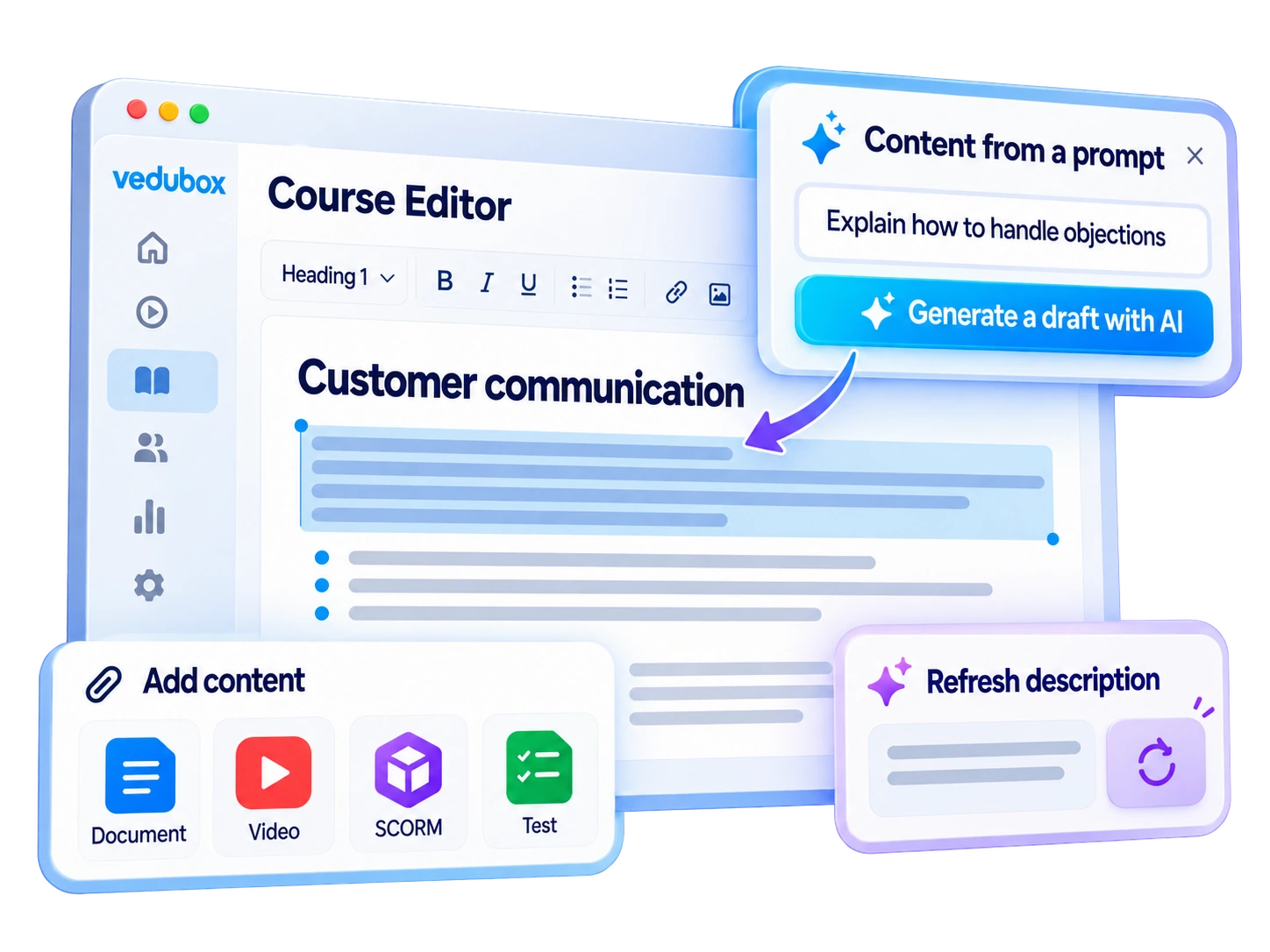
Describe what you want to explain in a prompt and generate a text draft when adding content.

Refresh your description
Rewrite an existing course description with AI and align it with your updated content.

Full control in the editor
Review headings and text, and tailor the examples to your organisation and learning goals.

Enrich your course with resources
Add documents, videos, SCORM content and tests to the draft yourself.
Start with AI, finish with your expertise
AI creates the first draft; you shape the course's approach, scope and examples. Refine the text in the Vedubox editor and bring different content types together.
- Adapt the text to your organisation's language and examples
- Generate new text content from prompts
- Refresh the course profile description
- Add documents, videos, SCORM content and tests
- Review the finished content and publish
For every audience, faster course preparation

Employees
Drafts for employee onboarding and internal training

Customers
Product guidance and onboarding courses

Sales Teams
Product knowledge and customer communication content

Dealers / Partners
Product and process training for your partner network

Universities
Text drafts tailored to course topics

Training Companies
Faster content preparation for different programmes
A quick start to training for your new product
Enter a topic describing your new product and choose the course language. Adapt the AI-generated description and first lesson to your product. Add user guides, demonstration videos and tests to complete the course for customers and sales teams.

AI Ecosystem
Continue the course preparation you started with AI Course Generator using the publishing, learning and assessment tools in the Vedubox ecosystem.
AI Course Generator
Draft your first lesson from a topic

AI Quizzes & Surveys
Add assessment and feedback to your course

LMS / LXP
Publish and manage your courses

Learning Paths
Combine courses into a learning path

Live Training
Support your content with live sessions

Vedubox Library
Bring your learning resources together

Certificates
Recognise learning achievements

Learning Assistant
Support learning with organisational knowledge

Reporting
Track participation and learning outcomes
WhyCourse Generator?

Less preparation time
Reduce the time it takes to create your course description and first text lesson.
Overcome the blank page
Get started more easily by building on an existing draft.

The right language for your audience
Choose a language for your course draft that suits your learners.

Editable text
Review the AI output and adapt its examples and wording to your needs.

Preparation on one platform
Generate text, add resources and publish in the same environment.
Up-to-date course descriptions
Keep your training catalogue current by refreshing existing descriptions.
Start with a topic and prepare your course with AI
Prepare your course description and first text lesson faster, then put the finishing touches on your course with your own resources.