 Homepage Widgets
Homepage Widgets: Personalized User Homepage
Everything that matters, at a glance
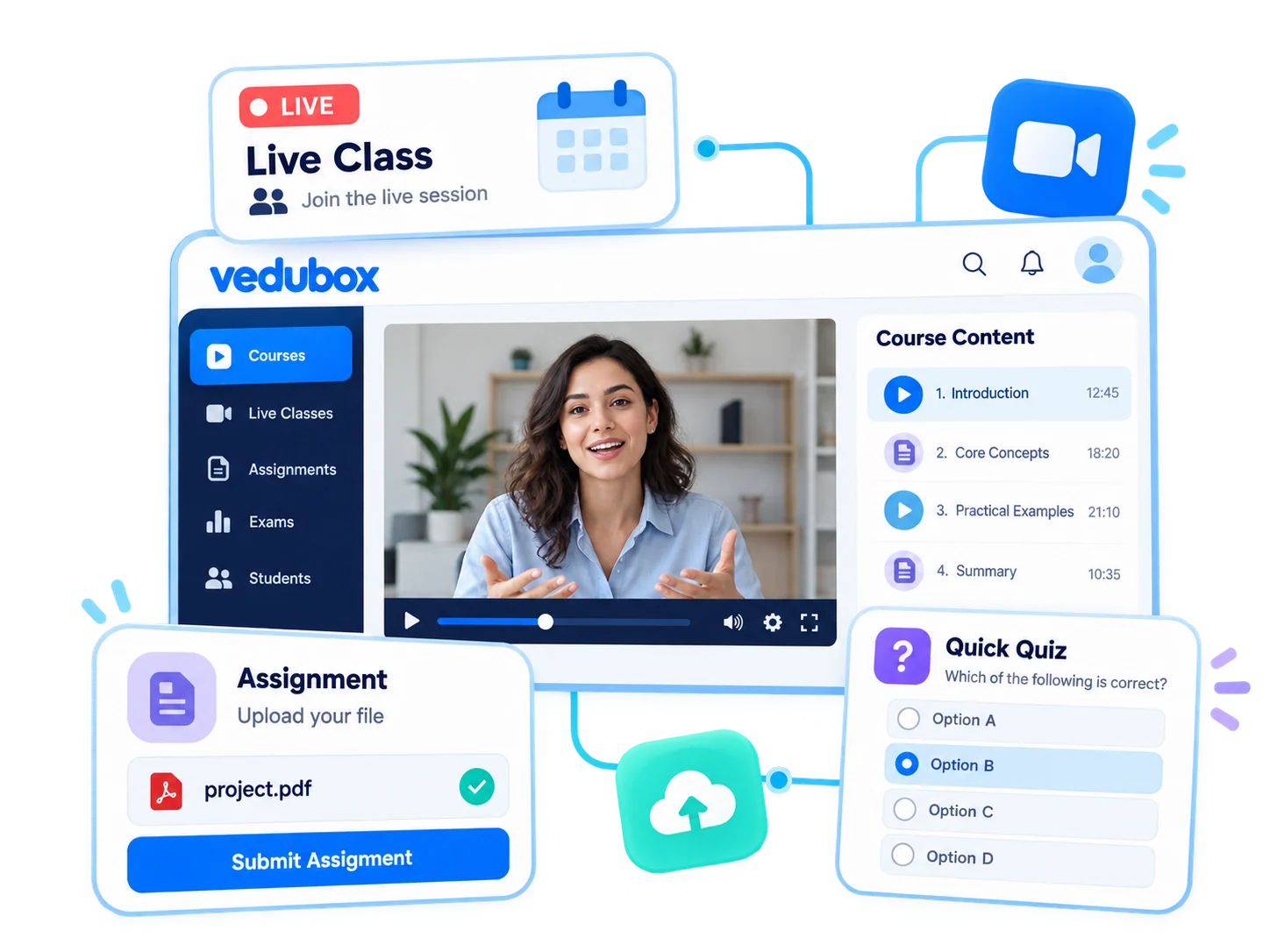
Use widgets to organize the homepage users see when they sign in. Bring assigned training, upcoming lessons, announcements, leaderboards and badges together on one screen.
 Component
based layout
Component
based layout My Training
 Upcoming
lessons
Upcoming
lessons Announcements
 Leader
board
Leader
board
From a blank screen to a personal homepage
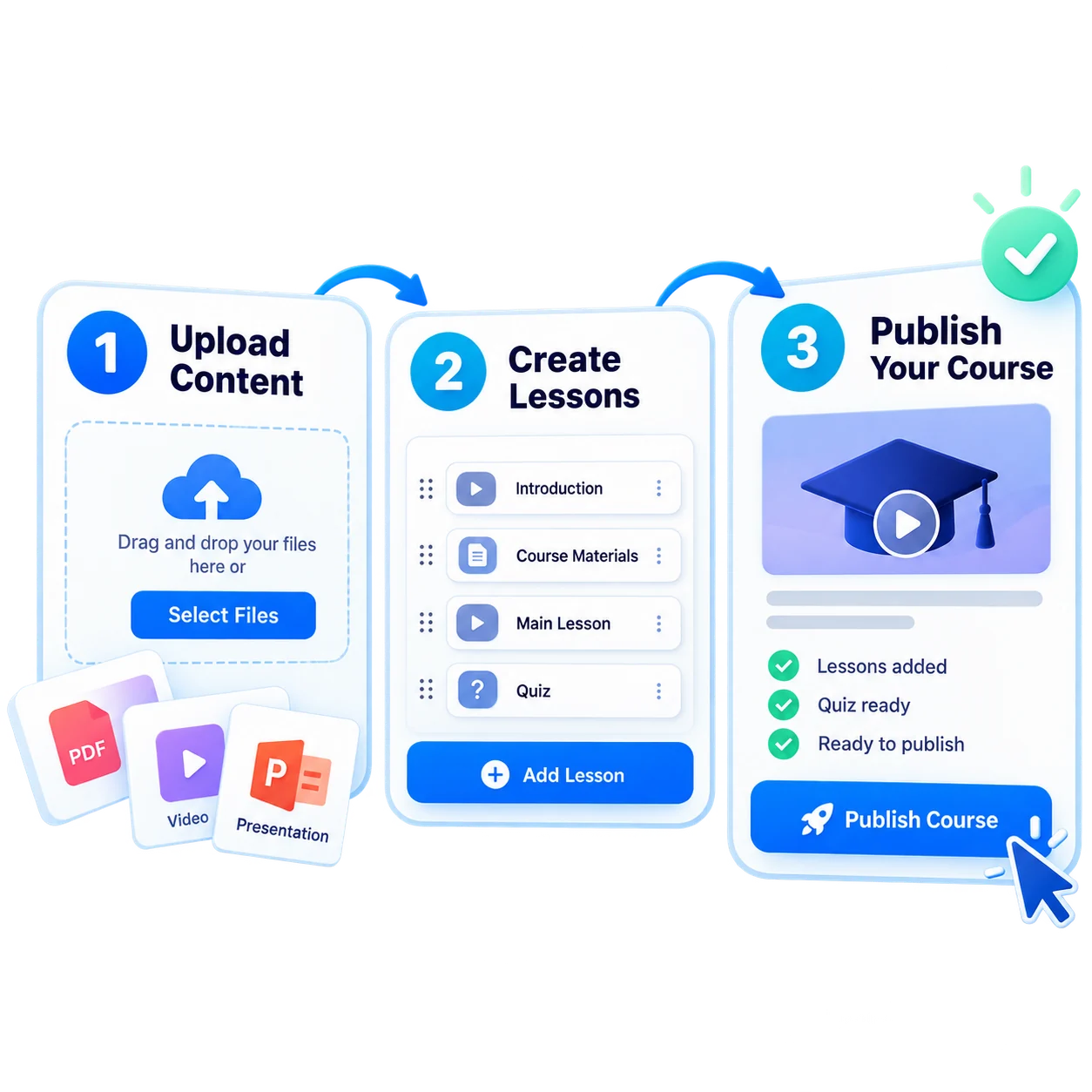
Choose and arrange the components for your homepage. When users sign in, they see their assigned training, upcoming lessons, announcements and achievements in one place.
- 1Choose Components
- 2Arrange Them
- 3Match Your Brand
- 4Publish
- 5Welcome Your Users
What can you do with Homepage Widgets?
Vedubox turns a simple menu into a personal learning dashboard.

My Training
Assigned training appears on the user’s homepage.

Upcoming Lessons
See upcoming live lessons and events at a glance.

Announcements
Welcome users with the latest announcements on their homepage.

Leaderboard
Users can compare their performance with others from the homepage.

Badges and Trophies
Make earned badges and trophies visible.

Surveys
Remind users of pending surveys on their homepage.

Exam Results
Give easy access to test and exam results.

Brand Alignment
Match your homepage to your organization’s colors and identity.
A personal learning dashboard for every user
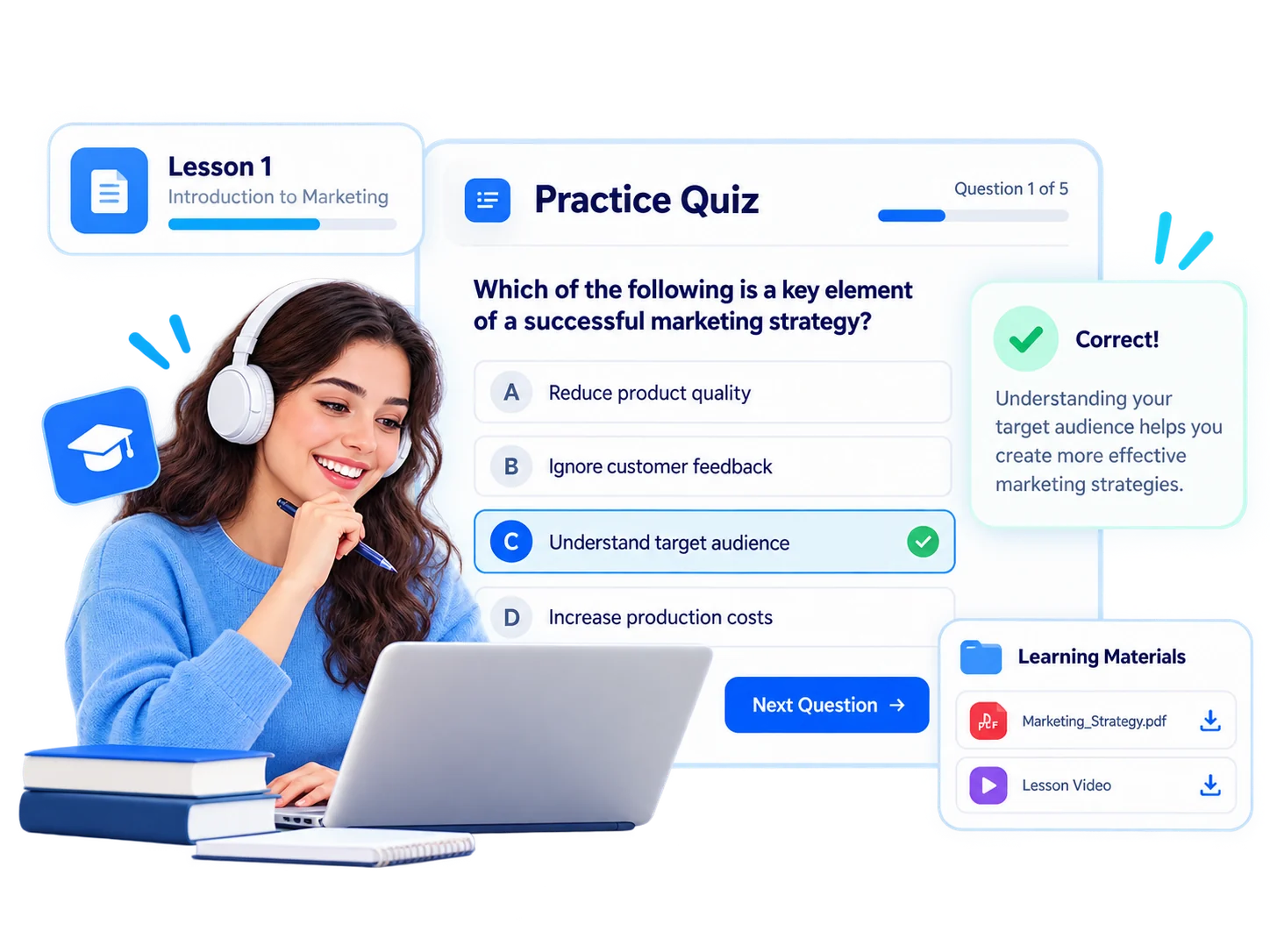
Homepage Widgets show users what to do from the first screen, helping them find what they need without navigating multiple menus.
- Show assigned training on the homepage
- Highlight upcoming lessons and events
- Share announcements on the first screen
- Motivate users with leaderboards and badges
- Match your homepage to your brand
For every audience, a personal starting point

Employees
Highlight assigned and mandatory training

Customers
Product training and updates

Sales Teams
Goals, competitions and leaderboards

Dealers / Partners
Certificate and promotion information

Universities
Class schedules and announcements

Training Companies
Program calendars and progress
Help new employees know what to do from their first login
Show onboarding courses, first-week live sessions and a welcome announcement on each new employee’s homepage. Let them start training from the first screen without getting lost in menus.
Ecosystem
Homepage Widgets work with the other components of the Vedubox ecosystem.

Homepage Widgets
Organize your homepage
Branding and Landing Pages
Reflect your brand

Announcements
Keep everyone informed

Gamification
Reward participation
Calendar
See all your plans in one calendar

LMS / LXP
Publish and manage training

Learning Paths
Build learning journeys

Mobile App
Access training on your phone

Reporting
Report results
WhyHomepage
Widgets?

A Quick Start
Users see what to do from the first screen.

A Focused Experience
Bring important content forward and keep other items in the background.

Greater Motivation
Achievements and rankings are visible at every login.

Brand Alignment
Your homepage reflects your organization’s identity.

One Platform
Training, calendars, announcements and gamification on one screen.

Built for Enterprise Scale
Give every user a clear, organized starting point.
Welcome users with a personal dashboard
Bring training, lessons, announcements and achievements together on the first screen.