 Certificates
Certificates: Online Certificate Management and Verification
Automatically document success, verify it safely
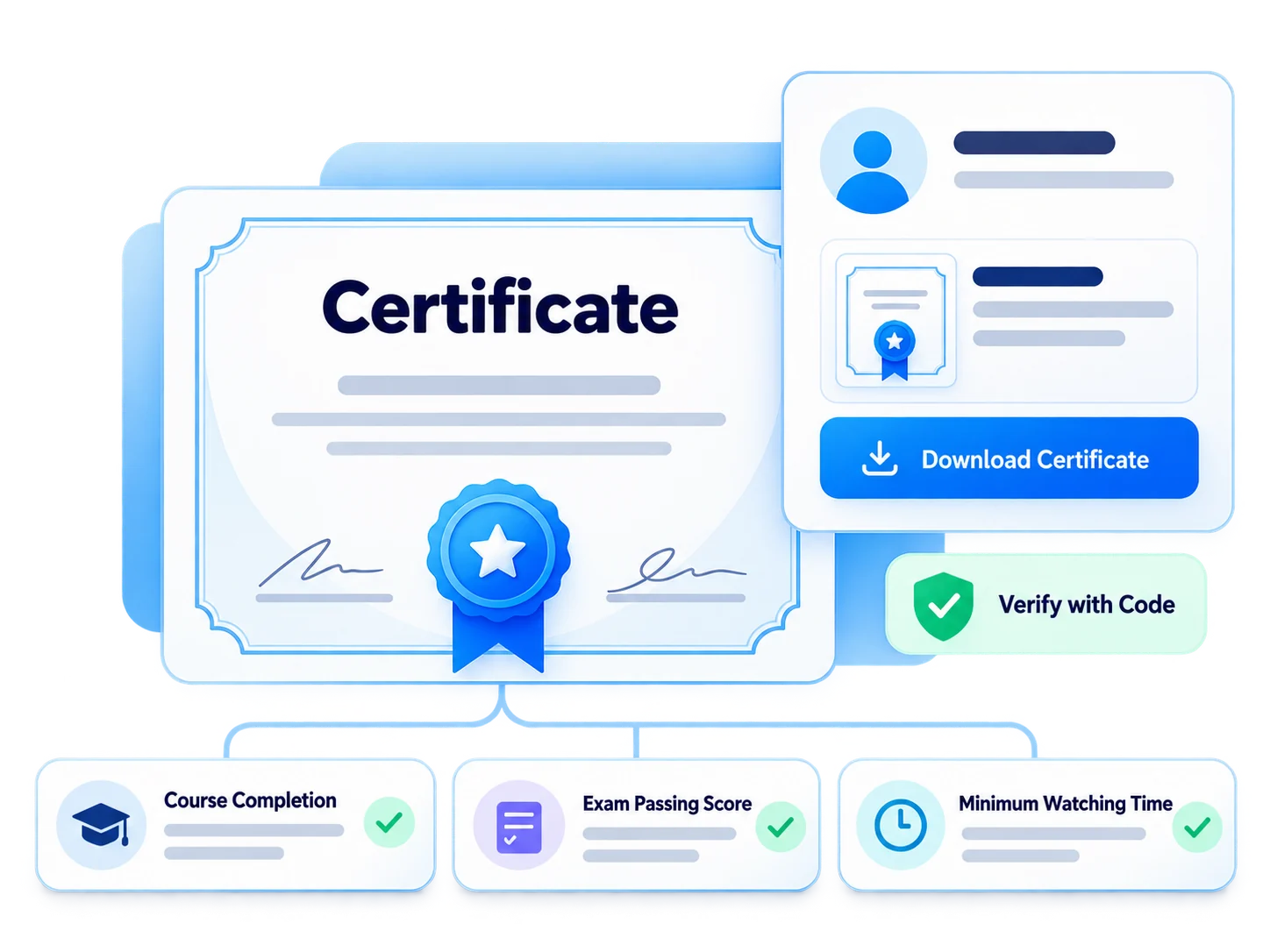
Provide automatic certification to those who complete training, pass the exam threshold, or reach a certain monitoring period. Certificates are stored in the participant's profile and verified through the system with the certificate code.
 Automatic
certificates
Automatic
certificates Participation and
success
Participation and
success With code
verification
With code
verification Duration
reminder
Duration
reminder Certificate
reports
Certificate
reports
Single flow from completion to verification
Specify the certification rule: training completion, monitoring period, or exam threshold. A certificate is automatically assigned to the participant who meets the condition, is stored in their profile and can be verified with the certificate code.
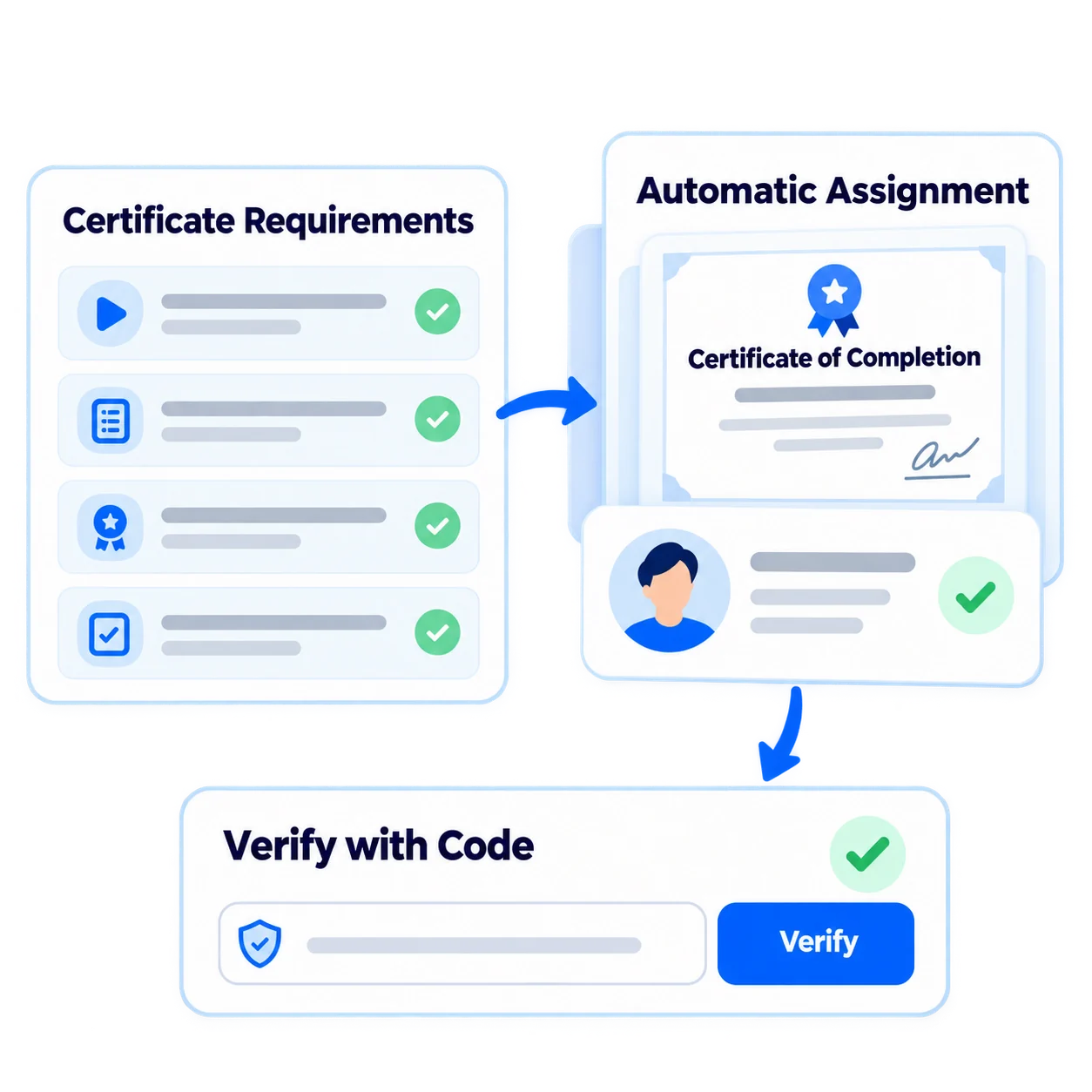
- 1Set Rule
- 2Participant Meets the Condition
- 3Assign Certificate
- 4Keep in Profile
- 5Verify with Code
What can you do with certificates?
Vedubox makes the entire process automatic and traceable, from certificate issuance to verification.

Participation and Achievement Certificates
Provide participants with a certificate of participation or achievement.

Automatic Assignment
A certificate is automatically assigned to the participant who reaches the monitoring period or passes the exam threshold.

Verification with Code
Certificates can be queried through the system with a certificate code.

Saving in Profile
Certificates are stored in the participant's profile.

Time Reminders
Send alerts for upcoming training and certifications.

With Records
Certificate information is reported together with training and exam records.

Dealer Certification
Conduct authorized dealer certification programs.

Certification Reports
See who received which certificate from the reports.
Not just documentation, but a verifiable record of success
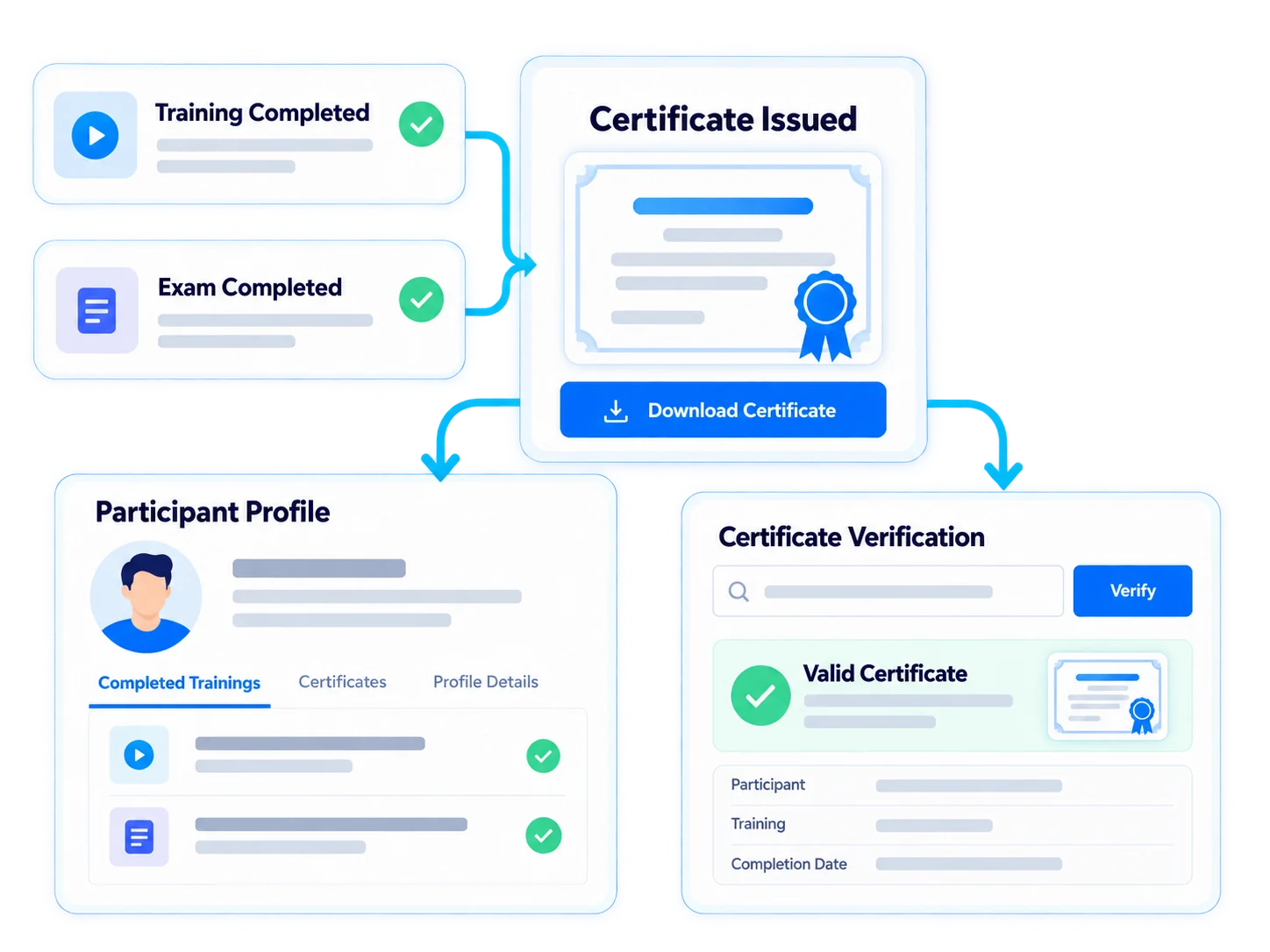
Certificates are issued automatically based on training and exam results; so every certificate has a verifiable record of success behind it.
- Link certification rule to training and exam
- Assign certificate automatically
- Offer verification with certificate code
- Send reminders for upcoming certificates
- Track certificates with reports
For every audience, reliable certification

Employees
Mandatory training and compliance certificates

Customers
Client and user certificates

Sales Teams
Sales competency certificates

Dealers / Partners
Authorized dealer certification

Universities
Course and program certificates

Training Companies
Course and training program certificates
Authorized dealer certification end-to-end
Establish a program of product training and certification testing for your dealers. The certificate will be automatically assigned to the dealer employee who passes the exam threshold, stored in his profile and verified with the certificate code.

Ecosystem
Certificates work with other components of the Vedubox ecosystem.
Certificates
Recognize achievement

Exams and Question Bank
Manage your exams

Online Exam Proctoring
Secure the exam

LMS / LXP
Publish and manage training

Learning Paths
Build learning journeys

Live Training
Organize live lessons

Messaging and Notifications
Send reminders

Competencies
Define capabilities

Reporting
Report results
WhyCertificates?
Automatic process
The certificate is not prepared manually, it is assigned when the condition is met.

Verifiable
The authenticity of the certificate can be questioned with its code.

Time tracking
Certificates that are about to expire do not go unnoticed.
Audit ready
Certificates and achievement records are in the reports.

One Platform
Training, exam and certification are in the same ecosystem.

Built for Enterprise Scale
Manage employee, vendor and customer certificates with the same infrastructure.
Document success automatically
Bind certificates to rules, assign them automatically, verify them with code.